
Faster job preparation
Drawing, costing inputs, files, and quote remain connected. |
LaserCalc gives the team one connected place to inspect a drawing, prepare a quote, plan sheet use, hand work to production, and follow its stock and commercial records. Machine paths and settings remain subject to validation in the target CAM software.
One system
Shared operational truth
Role-based
Focused team workspaces
2+ clients
Product adoption
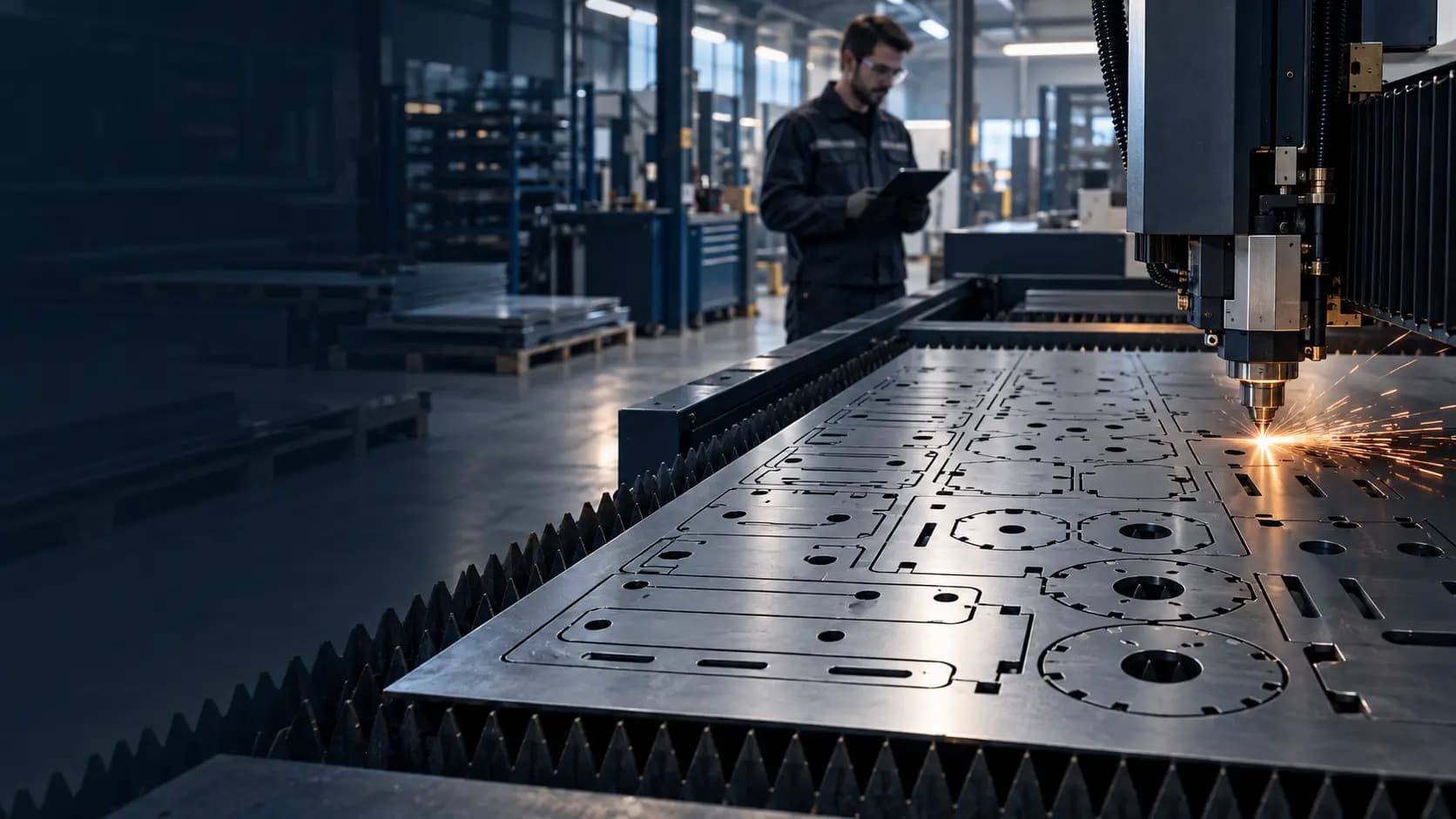
01 / PRODUCT OVERVIEW
LaserCalc is a French-language application for laser-cutting and engraving workshops. It connects technical drawing review, quoting, sheet placement, production orders, stock, purchasing, sales, payments, and management reporting. The current desktop edition runs on Windows with a local API; an optional Android scanner supports workshop tasks.
LaserCalc is a French-language application that connects quoting, sheet planning, fabrication, and business operations for laser-cutting workshops. Teams can import a customer DXF, inspect its readable geometry, identify cutting and engraving work, group repeated parts, and prepare an itemized quotation in Tunisian dinars. Its sheet planner estimates how parts fit using sheet dimensions, margins, spacing, and rotation. It can use eligible openings and concave spaces or preserve a suitable existing DXF arrangement. The resulting placement helps plan production; the final cutting program still requires validation in CAM software. When a quotation becomes a fabrication order, technicians receive the drawings, work types, planned quantities by DXF, material, machine, instructions, and readiness checks in one dossier. LaserCalc also connects this work to stock movements, supplier purchasing, customer invoices, payments, cashier sessions, treasury, and reporting.
Designed for
Drawing, costing inputs, files, and quote remain connected. |
Better material visibility | Teams can compare source layout and calculated placement before committing sheets. Actual savings depend on geometry and machine constraints. |
Clearer production handoff | The OF shows the work, quantity, file, machine, material, and instructions. |
More traceable execution | Progress, quality checks, documents, and stock consequences are recorded against the job. |
Clearer financial follow-up | Confirmed payments, pending effects, cash counts, and account movements are distinguished. |
02 / PLATFORM CAPABILITIES
Each capability is connected to the wider experience, data model, operator workflow, and delivery plan.
Capability title | Specific description |
--- | --- |
Drawing intake | Import and preview DXF, SVG, PDF, and common image plans. |
DXF interpretation | Read available paths, layers, colors, dimensions, openings, and repeated shapes; show the complete readable DXF alongside extracted pieces. |
Work classification | Mark drawings and layers as cutting, engraving, or reference work. |
Sheet placement | Estimate sheets using dimensions, margin, spacing, and 90° rotation; consider eligible holes and concave spaces. Preserve an original DXF layout when its conditions are met. |
Laser quotation | Calculate estimated time and price using path length, piercings, machine settings, material, and quantity; produce an itemized quote. |
Production orders | Link a quote to plans, parts, machine, material, sheet count, checks, status, and history. |
Technician view | Show each DXF’s work type and planned quantity first; keep long piece and coordinate tables closed until needed. |
CAM handoff | Export retained source plans and placement information in a preparation ZIP. It does not generate a validated native machine program. |
Purchasing and stock | Manage suppliers, orders, partial receptions, returns, sheet inventory, locations, reservations, and counting. |
Commercial records | Manage clients, quotations, invoices, delivery documents, partial payments, and credit notes. |
Cashier POS | Provide catalogue search, barcode input, opening float, invoice payment, counted closing cash, and cash difference. |
Treasury and reporting | Review bank/cash movements, payment instruments, statements, reconciliations, journal, balance, and management bilan. |
Workshop identification | Use QR/barcodes, a keyboard-mode scanner, and an optional paired Android workshop scanner. |
03 / PRODUCT WORKFLOW
The product connects the steps that users experience with the controls your operating team needs behind the scenes.
2. Import | Add and inspect the customer’s technical drawing. |
3. Classify | Confirm cutting, engraving, and reference layers or drawings. |
4. Estimate | Check dimensions, paths, quantities, machine assumptions, and price. |
5. Plan | Review original DXF placement or calculated sheets. |
6. Quote | Issue the itemized customer quotation. |
7. Prepare | Create the OF, retain plans, and complete readiness checks. |
8. Produce | Track work, piece-level progress when needed, quality, and stock. |
9. Close | Record the outcome and continue invoice, payment, and reporting workflows. |
04 / TECHNICAL VIEW
A modular structure keeps the experience coherent while allowing the right services and integrations to evolve over time.
React 18 workspaces for administrative, commercial, workshop, warehouse, and cashier roles. |
Geometry and calculations | DXF reading, grouping, previews, nesting, and estimate utilities. |
Business API | Node.js/Express routes for authentication, documents, production, POS, stock, payments, and reports. |
Persistence | API-managed local JSON data and retained files, currently intended for a single server process. |
Windows desktop | Tauri 2 shell with the interface and a loopback Node runtime. |
Mobile workshop | Optional paired Android scanner connected to the workshop service. |
Delivery surfaces
The final app mix is selected during scope definition and designed for each platform’s users and constraints.
Windows
05 / SECURITY & OPERATIONS
The exact controls depend on your scope and infrastructure, but operational quality is planned from the start.
Administrator setup, scrypt password hashes, and eight-hour sessions. |
Authorization | Role and permission checks on relevant interface actions and API routes. |
Session protection | HTTP-only, SameSite=Strict cookie; HTTPS is needed for a remotely served production deployment. |
Traceability | Selected security, commercial, and workshop actions retain audit or status history. |
Backup | Data export and a previous-write backup exist; operators should also keep dated copies of the complete application-data folder. |
Scanner access | Android pairing is revocable, and scanning a badge is not an account login. |
Deployment boundary | JSON persistence has not been validated as a transactional multipost system. |
Accounting boundary | The bilan and financial outputs are management reports, not certified statutory accounts or tax declarations. |
06 / DELIVERY
Delivery is planned around product risk, platform requirements, integrations, and the order that creates value fastest.
Delivery model
Phased & collaborative
Typical timeline
Scope-based
What your team receives
Final scope, environments, ownership, service levels, store responsibilities, and third-party costs are documented before implementation begins.
Commercial options
Platform mix, integrations, customization, migration, release support, and service level all influence the final investment.
Tailored scope
We’ll turn your platforms, integrations, brand, timing, and support needs into a clear commercial proposal.
08 / FAQ
Need a technical answer specific to your environment? Bring it to the product call.
No. Final toolpaths and machine programs must be generated and validated in CAM.
It reads supported geometry, but unusual or unsupported entities must be checked against the source in CAD/CAM.
No. It is an estimate based on available contours and configured constraints.
Yes, when the source layout, quantities, margins, and sheet format meet the preservation conditions.
Yes. The OF shows work by DXF first; detailed piece tables are closed by default.
Yes, a compatible scanner operating as a keyboard can enter codes in the article search.
No. The command is sent only after a confirmed cash payment, with a configured printer.
That has not been validated; the current JSON store is designed around one server process. | Is the accounting legally certified? | No. Have statutory and tax outputs reviewed by a qualified accountant
Build your version
We’ll help you choose the right scope, applications, integrations, and launch sequence.