Fire TV experience
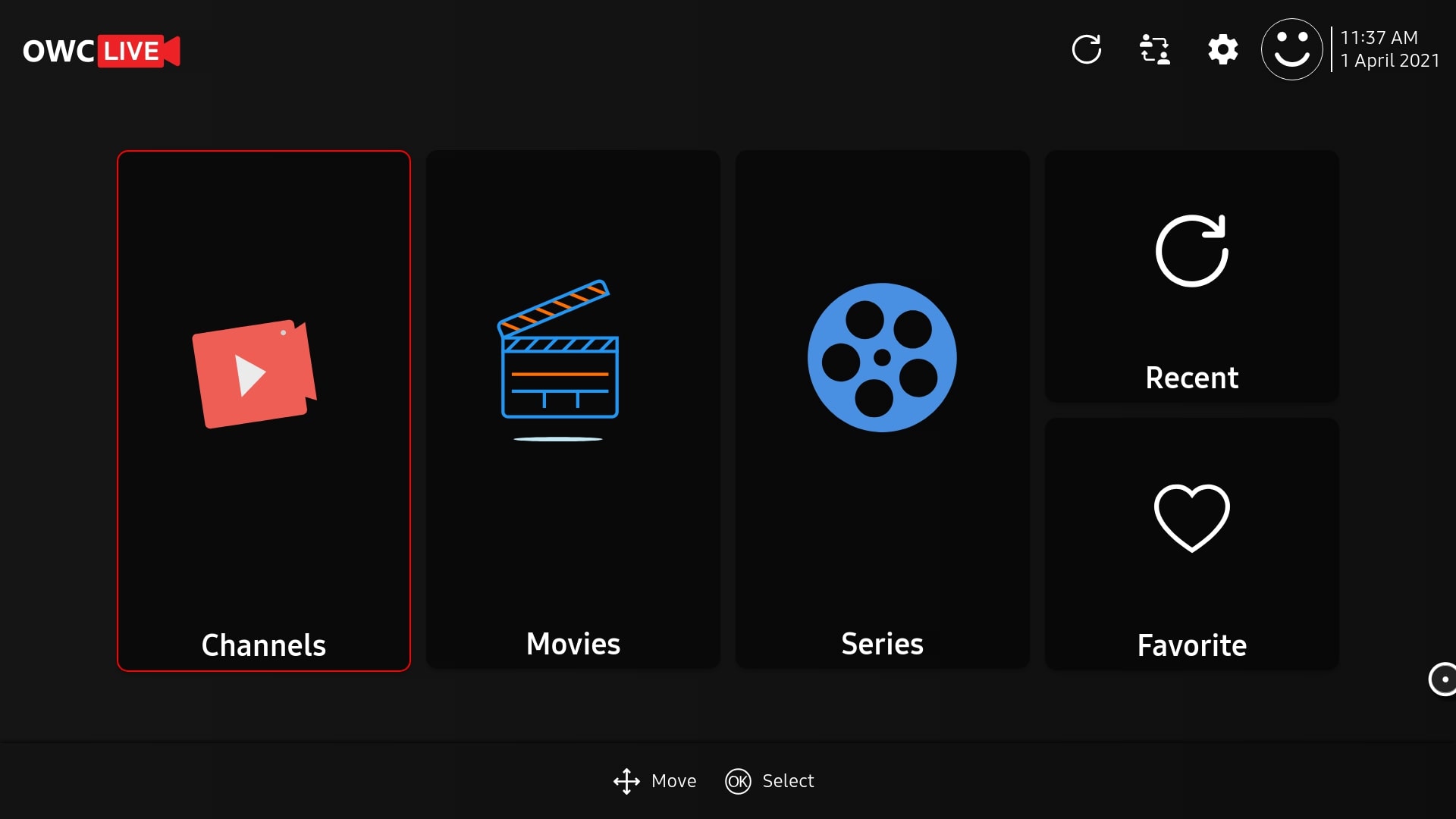
Design TV launcher assets, navigation, search and playback controls for a remote-driven experience.
Adapt your streaming service for Fire TV with remote-first screens, Android-based playback integration and testing against the Fire OS devices in scope.
Connected TV ecosystem
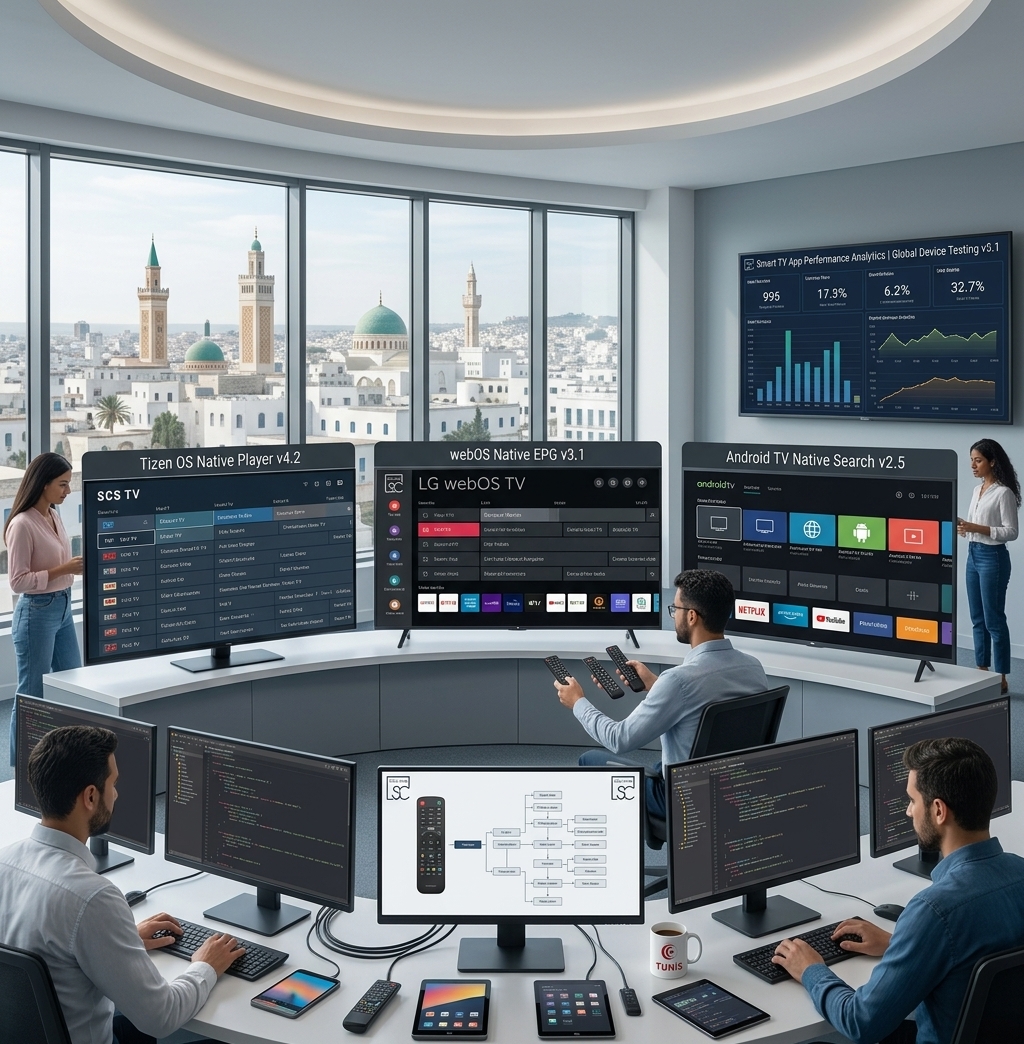
TV applications and platform integration · Concept illustration
Who this is for
Technical approach
Adapt your streaming service for Fire TV with remote-first screens, Android-based playback integration and testing against the Fire OS devices in scope. Define the device or workflow boundaries and verify representative inputs before expanding the implementation.
Project capabilities
Design TV launcher assets, navigation, search and playback controls for a remote-driven experience.
Audit Google-dependent sign-in, billing, messaging and SDK integrations before reusing Android code on Fire OS.
Test live and VOD streams, subtitles, audio formats and failure recovery on representative Fire TV hardware.
Reuse catalog and entitlement interfaces while separating platform-specific account or purchase behavior.
Package release builds and verify launch, suspend, resume and remote flows against the current distribution requirements.
Project process
Agree on audience, supported devices or workflows, service ownership, media samples and measurable acceptance checks.
Document the operator or viewer journeys, backend contracts and failure behavior before implementation.
Validate a representative end-to-end journey with real integrations before completing the remaining capabilities.
Exercise agreed cases, document operating procedures and prepare release materials and maintenance responsibilities.
Questions
Share target devices or delivery specifications, example content, API documentation, account requirements and launch constraints. We use these to define a testable first release.
Yes, where documented interfaces and the required permissions are available. Discovery establishes data ownership, authentication, rate limits and failure handling before committing to an integration.
No. Playback, DRM, media formats, store requirements and hardware performance vary. The supported matrix and acceptance criteria are agreed and tested for the specific project.
Explore the connected platform work and implementation notes.
Technical references
Share your target devices, product requirements and existing systems to scope the next step.